PS4 Fat - BLOD repair
Repair of a PS4 Fat SAC-001 motherboard affected by BLOD, diagnosed through boot logs and fixed by replacing two RAM chips.
In this repair I worked on a PS4 Fat with a SAC-001 motherboard affected by the classic BLOD, or Blue Light of Death. The console powered on and showed the blue light, but it did not complete the boot process or reach the main screen.
BLOD is a fairly generic symptom: it can be caused by power issues, hard drive problems, APU faults, RAM, BGA solder joints, or other motherboard defects. For this reason, it is not enough to look only at the external behavior of the console. It is important to understand where the boot process stops.
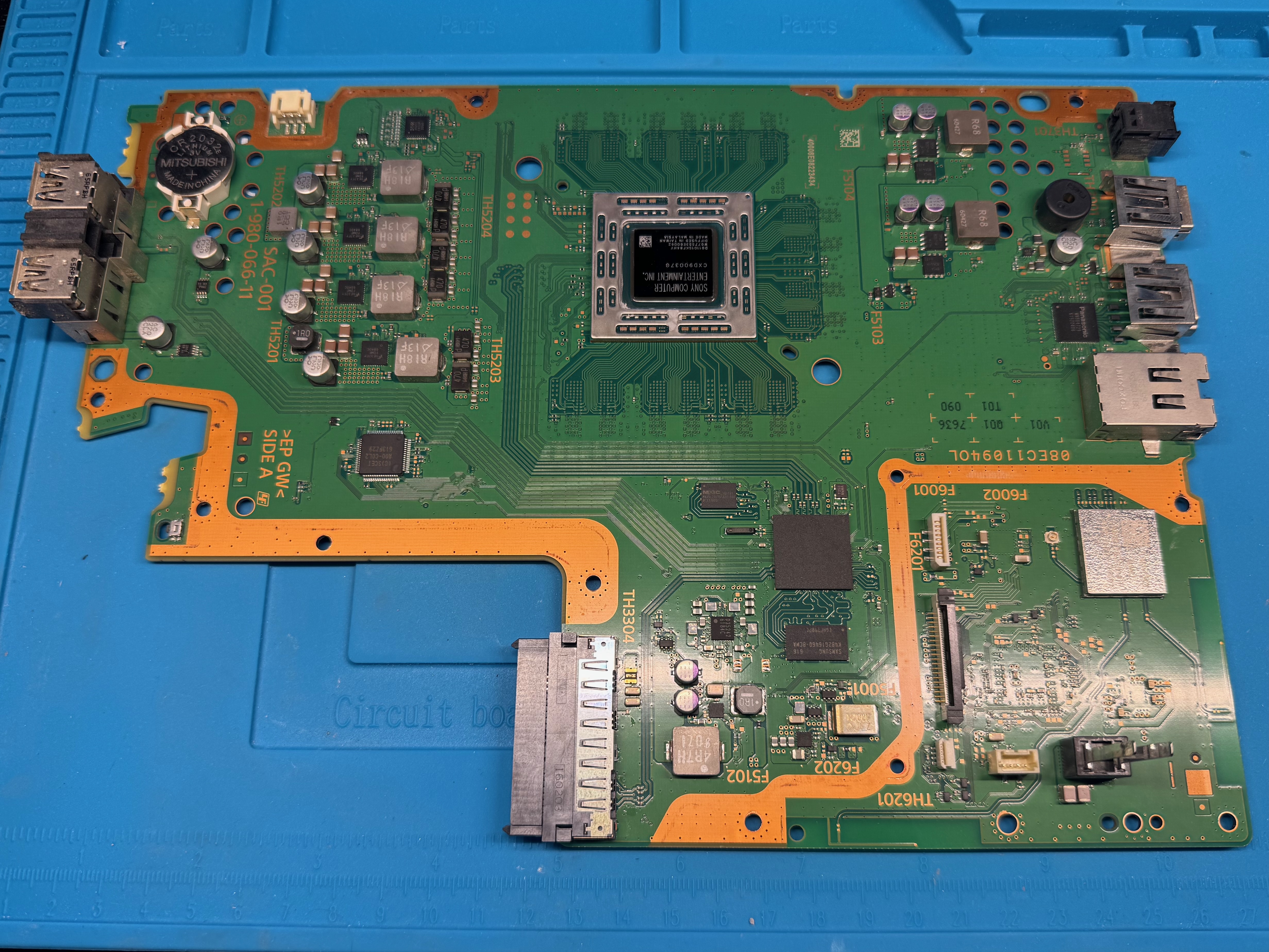
Initial Diagnosis
After the basic checks, I decided to analyze the console boot logs. This step was decisive because logs make it possible to go beyond the generic blue light symptom and understand which area of the board is causing the issue.
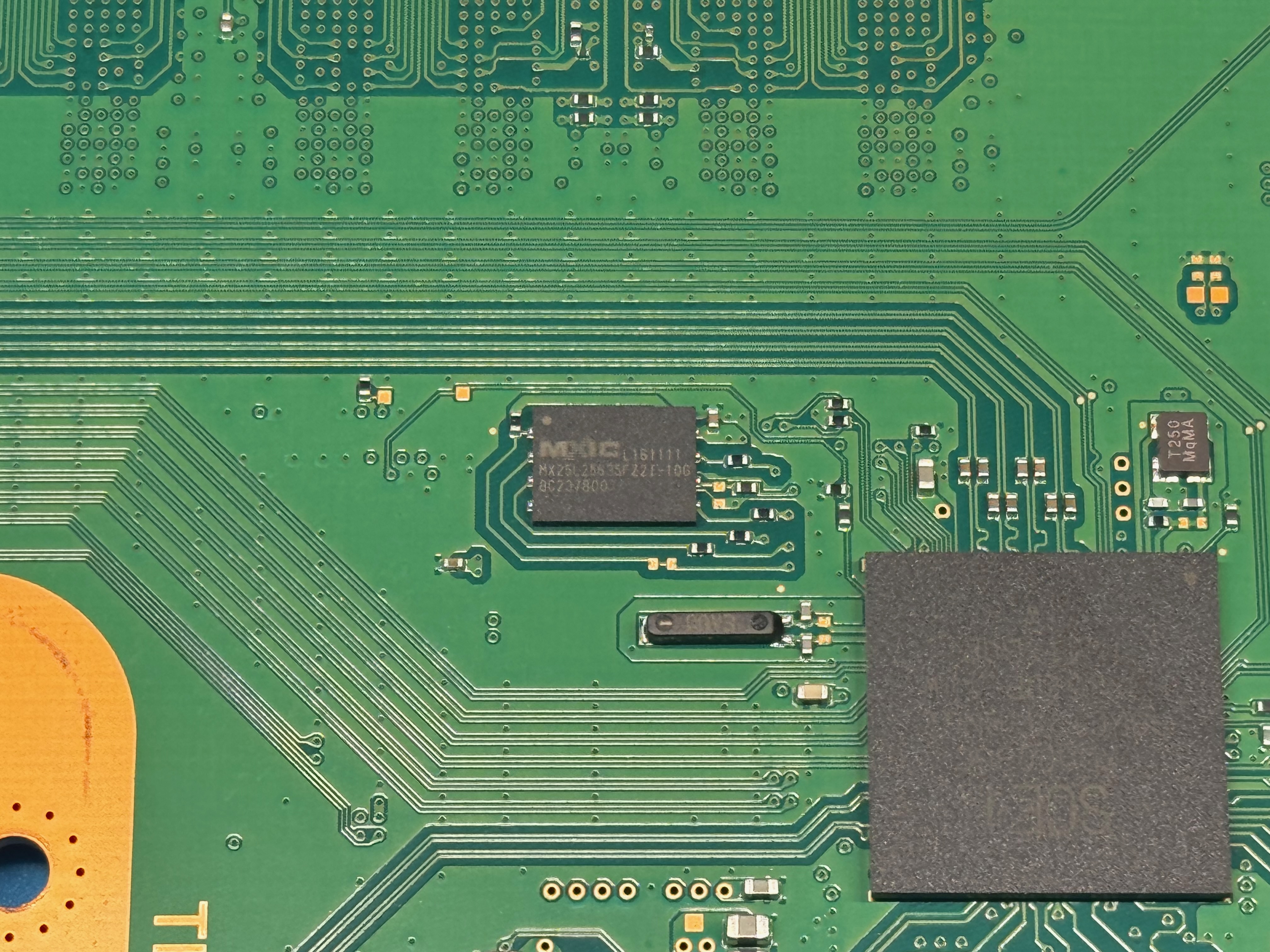
On a retail PS4, UART logs are not immediately available. To obtain them, I first had to work on the console NOR, which contains important data used during boot.
The removal was done with controlled hot air, paying attention not to lift pads or damage traces.
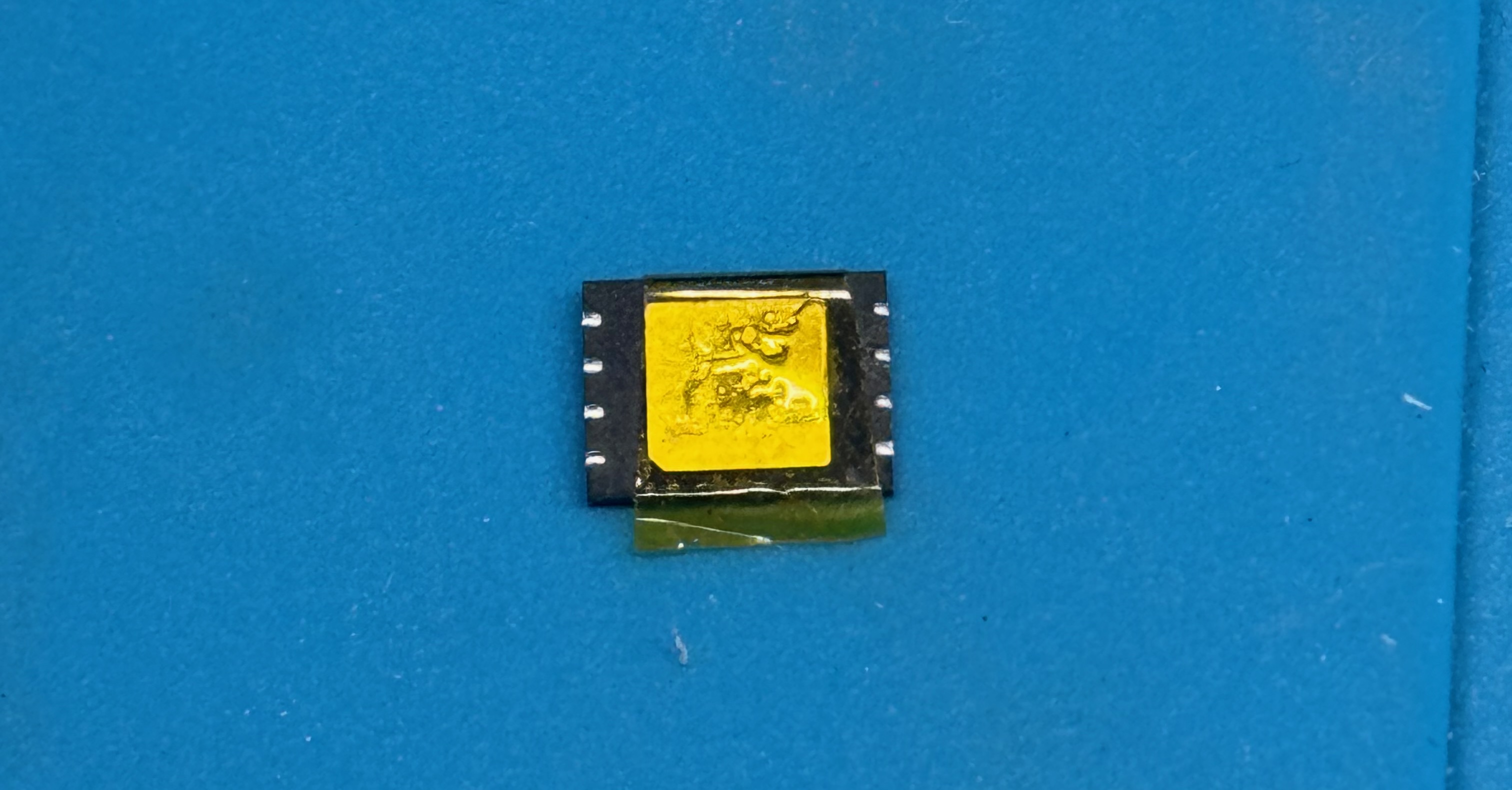
Once removed, before mounting the NOR on the programmer, the underlying pad has to be masked to avoid short circuits. I then mounted the NOR on the programmer and performed a full read.
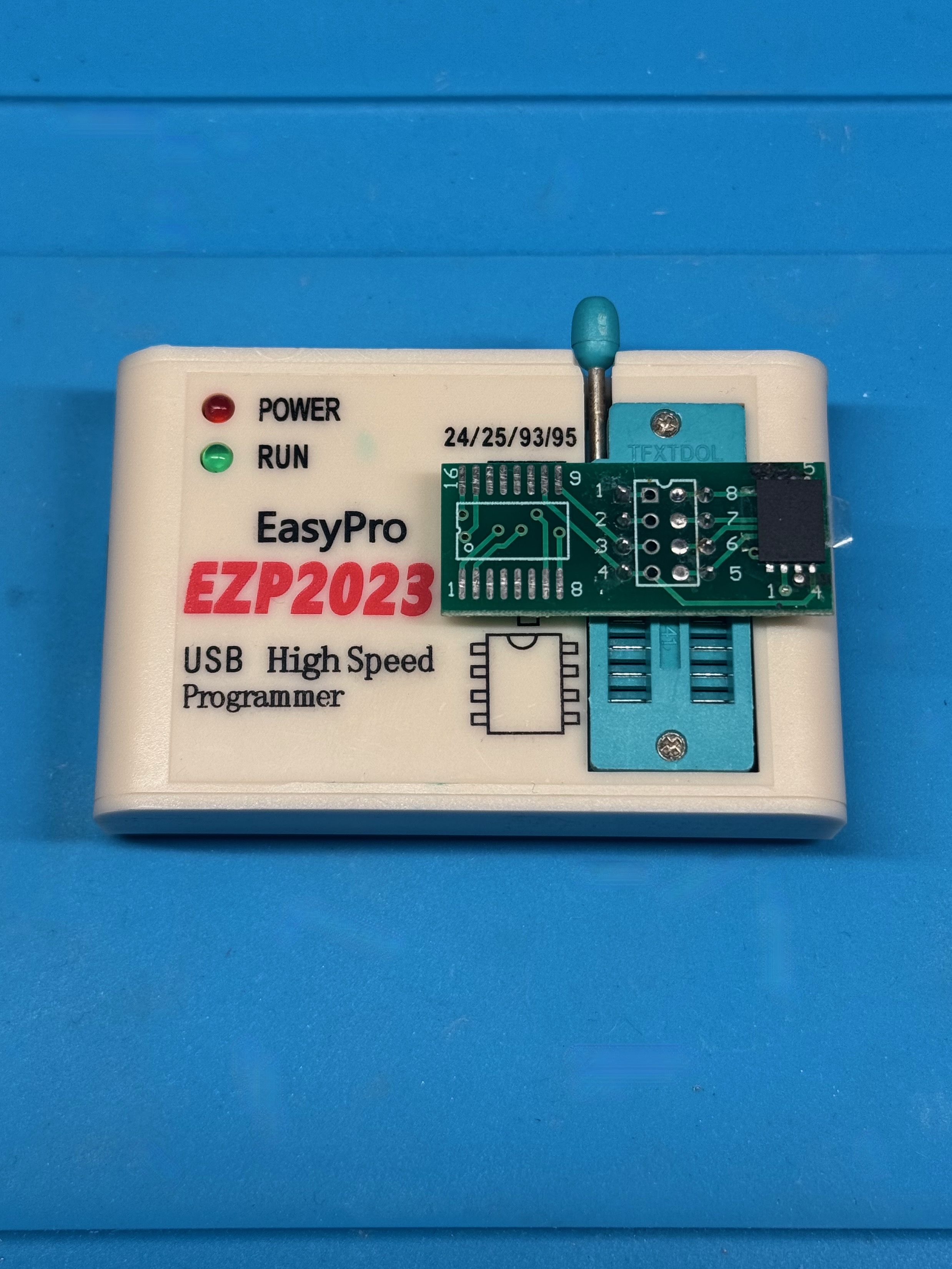
Before making any change, I saved a backup of the original content. This is essential, because an error on the NOR can prevent the console from booting completely.
After preparing the dump, I enabled UART log output and wrote the NOR again. After soldering it back on the motherboard, I could read the logs using a 3.3 V USB-TTL adapter.
In my case, the logs reported errors on DCT[2] and DCT[3]. On PS4, DCT errors are related to communication between the APU and RAM. They do not always automatically mean that a RAM chip is faulty, because the problem could also be under the APU, but they are a very useful indication to narrow the diagnosis.
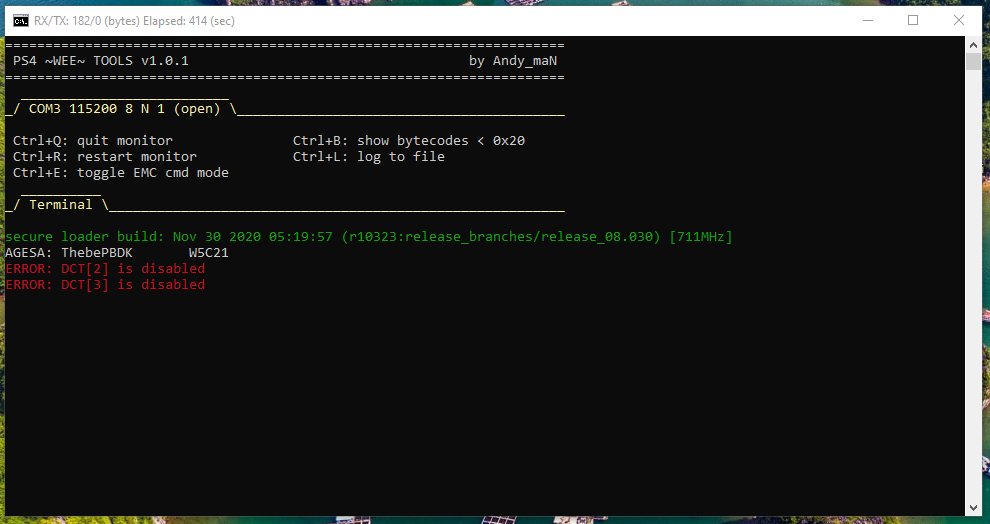
RAM Replacement
Since the errors involved DCT[2] and DCT[3], I decided to remove the two RAM chips associated with that block. After removal, it is possible to measure in diode mode with a multimeter to verify that there are no shorts on the APU side and that the connections toward the chip are present.
This is a delicate job because the RAM chips are BGA components: they do not have visible pins on the sides, but solder balls under the package.
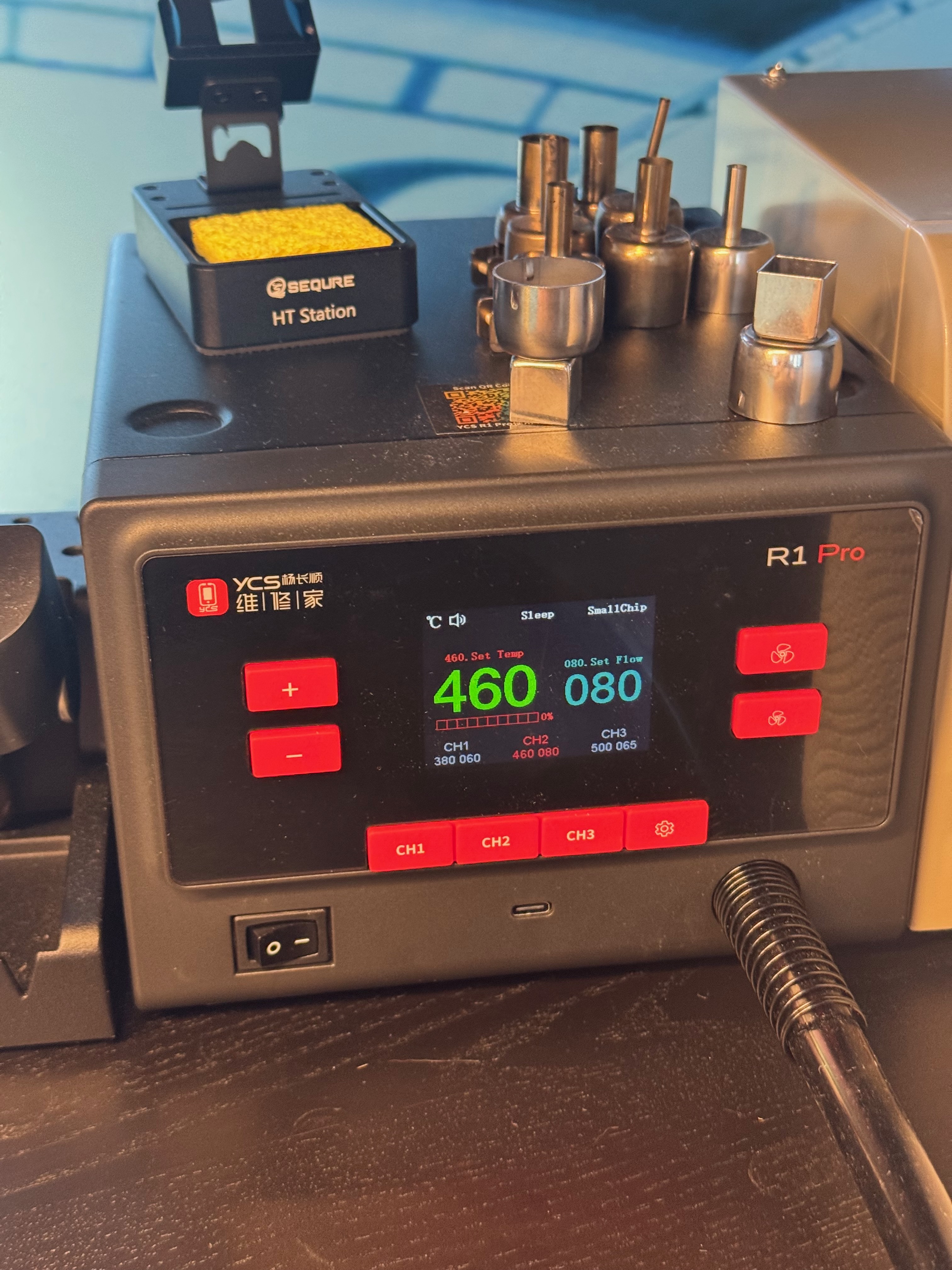
Removal requires temperature control, correct board preheating, and care not to damage pads or traces. I used both controlled hot air and a YIHUA 853A SMD/BGA preheater to warm the board from below. This distributes heat more evenly and allows the component to detach without concentrating too much temperature in a single point.
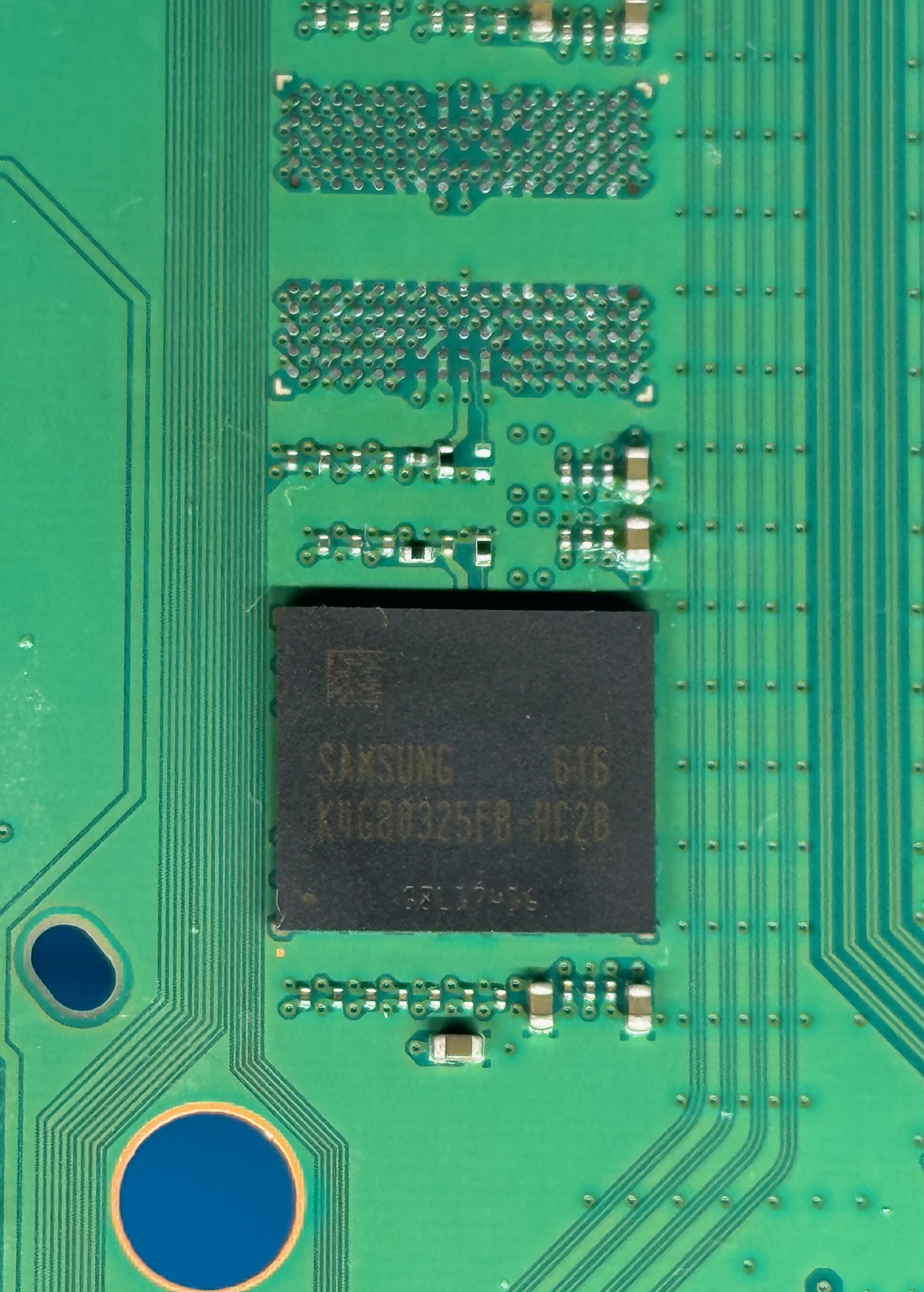
After removing the faulty RAM chips, I prepared the area, cleaned the pads, and checked for visible damage on the board.
In this case, several damaged pads were visible. Fortunately they were all GND pads, so it was not necessary to rebuild each of them individually. I also checked the connections in diode mode: the measurements were correct and no shorts were present.
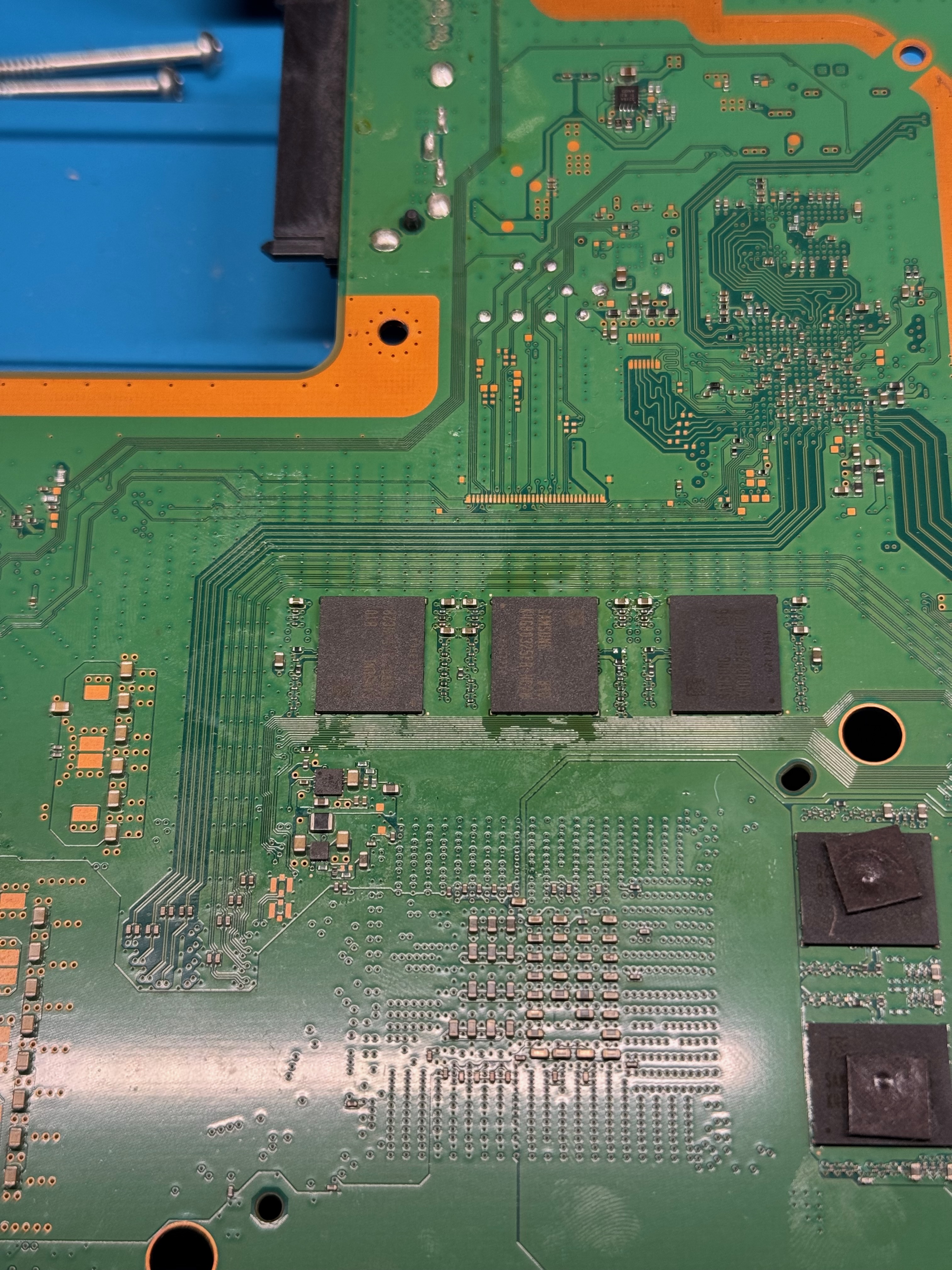
Then I positioned the replacement chips and checked alignment before soldering.
In this kind of work, it is not enough to heat until the component moves. Managing the thermal profile is important because the PS4 motherboard is large, absorbs a lot of heat, and can bend if treated poorly. The preheater is fundamental because it warms the board from below more uniformly and reduces stress during rework.
Final Test
After replacing the two RAM chips, I reassembled the console enough to run a boot test. The PS4 passed the initial block and continued the boot process, confirming that the DCT[2] and DCT[3] errors were actually related to that memory block.
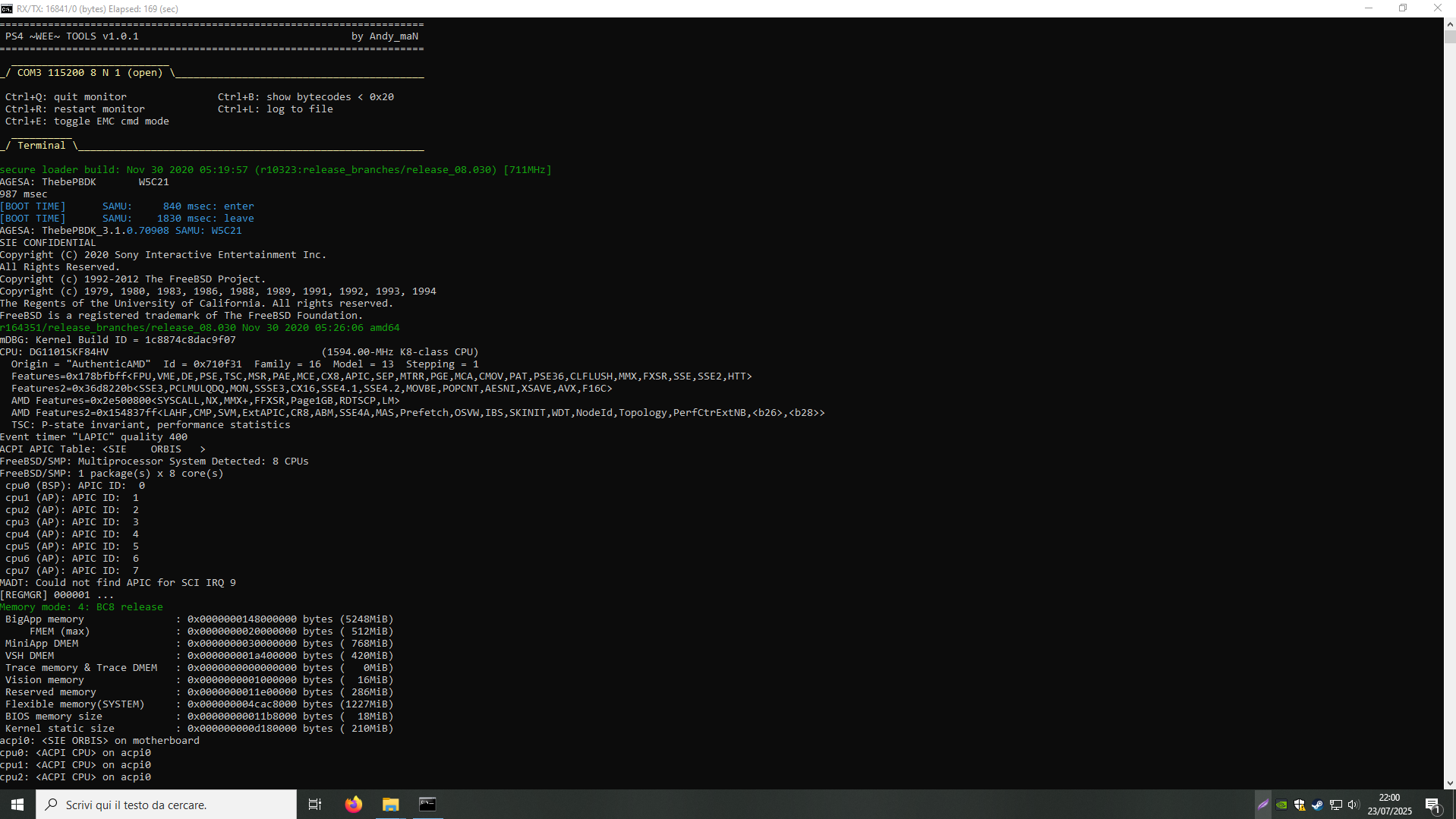
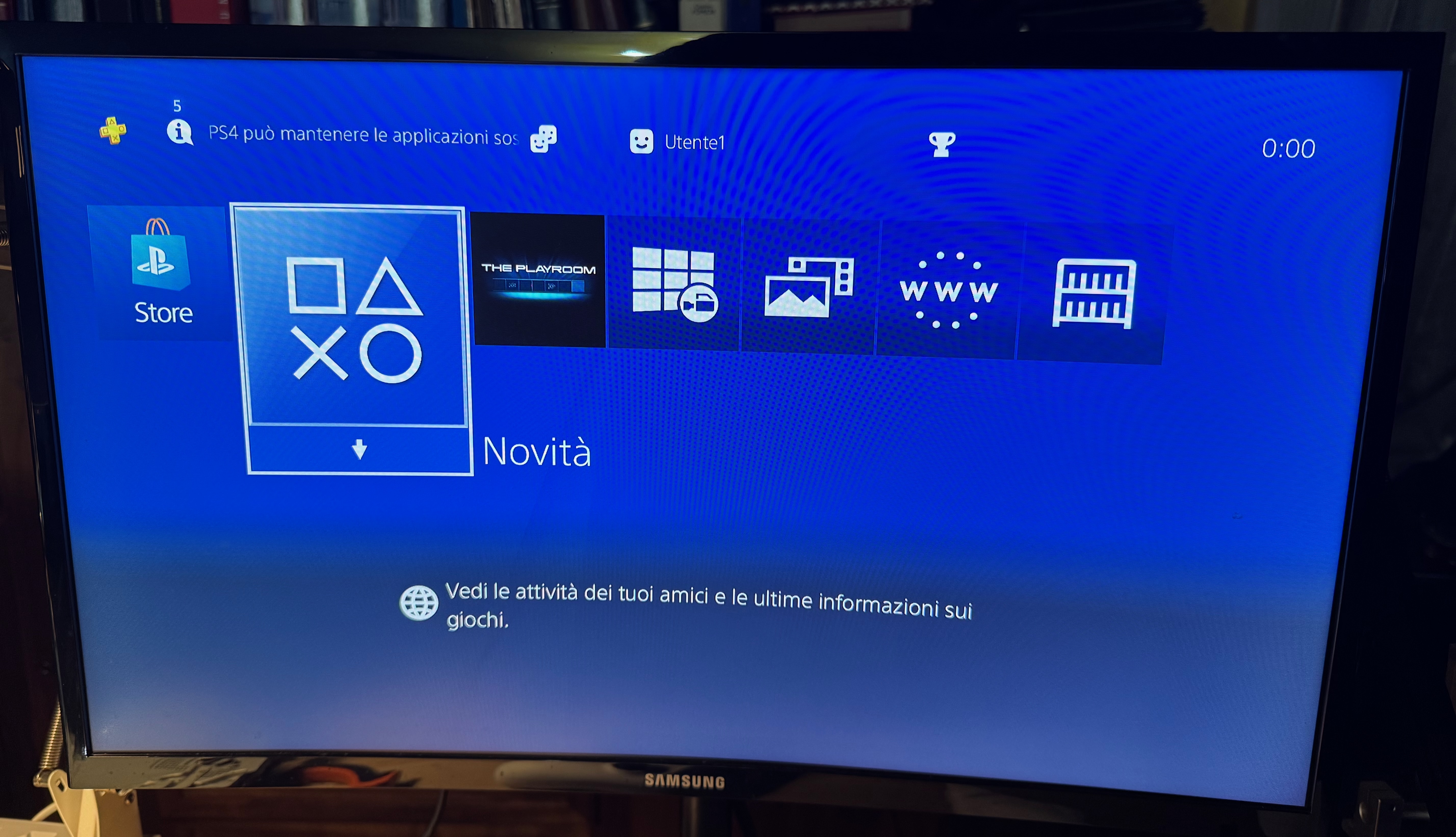
I then performed additional checks to verify that the console remained stable and that BLOD did not return after several restarts. In a RAM repair, the first successful boot is important, but it is not enough: a similar issue could also be caused by contacts under the APU. If the fault had returned, an APU reball would have had to be considered. Fortunately, that was not the case.
Final Notes
This repair shows how much logs can change the approach to a BLOD. Instead of working by trial and error, it was possible to connect the fault to the DCT[2] / DCT[3] block and work directly on the involved RAM chips.
It combines diagnostics, boot signal interpretation, and BGA rework on sensitive components.