Motorized 3D display model
5/20/2024 • Keymodel SRL
Keymodel SRL, a company specialized in 2D and 3D printing, needed to motorize a large 3D display model of about 1.8 meters and 25 kg. The model represented an interdental brush produced for a well-known oral health company.
According to the client requirements, the product had to rotate slowly and continuously for several hours a day, starting with the press of a button. I was responsible for building the electronics and control system needed to move the object in a stable and repeatable way.
Given the size and weight of the model, motor selection was an important part of the project. I chose a Stepperonline NEMA 23 bipolar stepper motor, rated at 2.8 A per phase and about 1.9 Nm of torque. This type of motor is suitable when controlled, precise movement is needed, especially at low speed.
The stepper motor is driven by a single-axis TB6560 driver. I chose this driver because it supports currents up to about 3 A, uses a dedicated power supply, and supports microstepping, which helps reduce visible vibrations on the model.
The driver is controlled by an Arduino board programmed according to the client requirements. The program handles button start, rotation direction, speed, and motor behavior during use. I paid particular attention to smooth motion, avoiding sudden starts and stops through slow acceleration and deceleration.
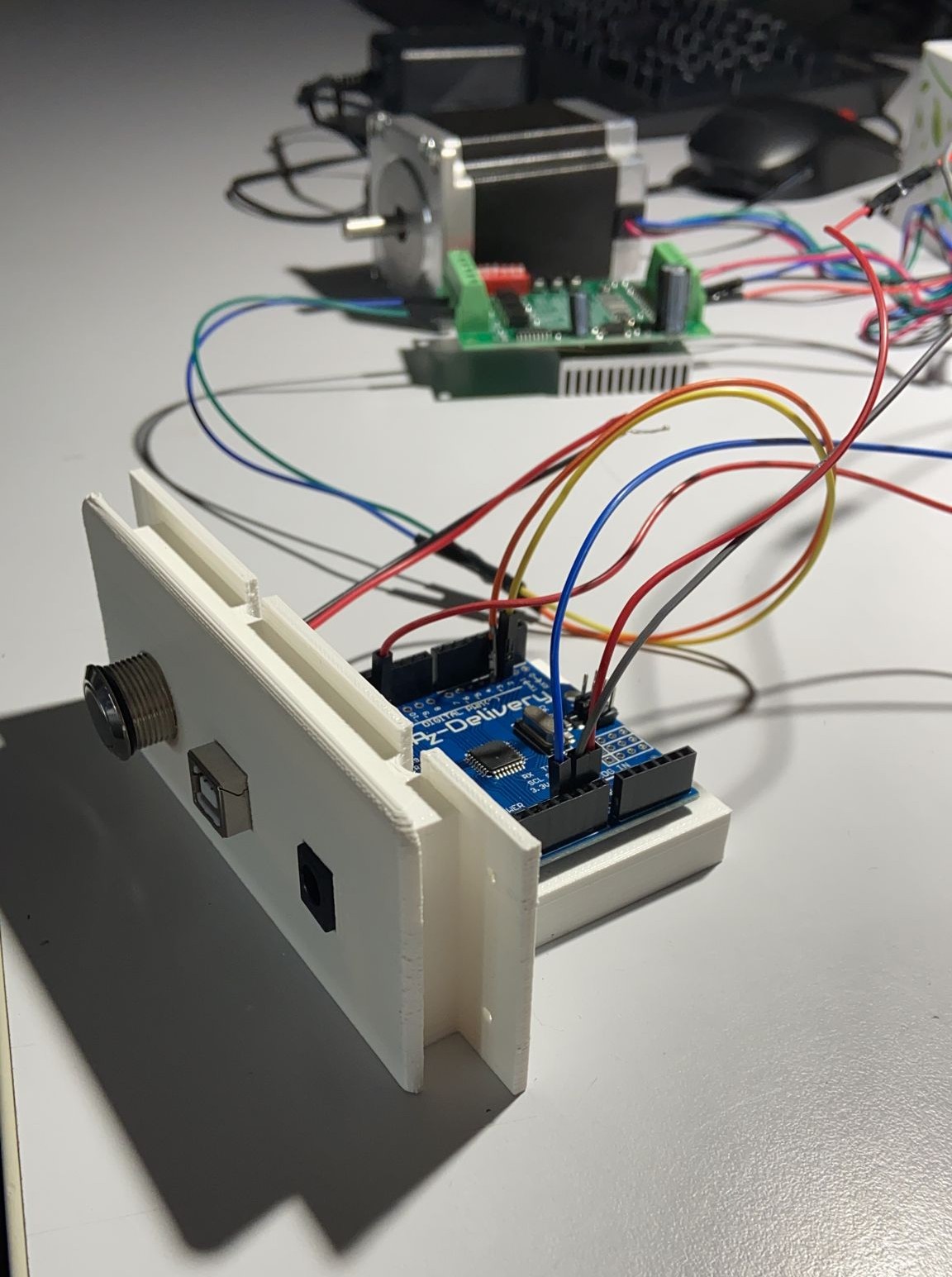
To allow future parameter changes, the Arduino USB port was left accessible from the control panel. This makes it possible to connect to the board without disassembling the system and update the program, for example to change speed, acceleration, or rotation direction.
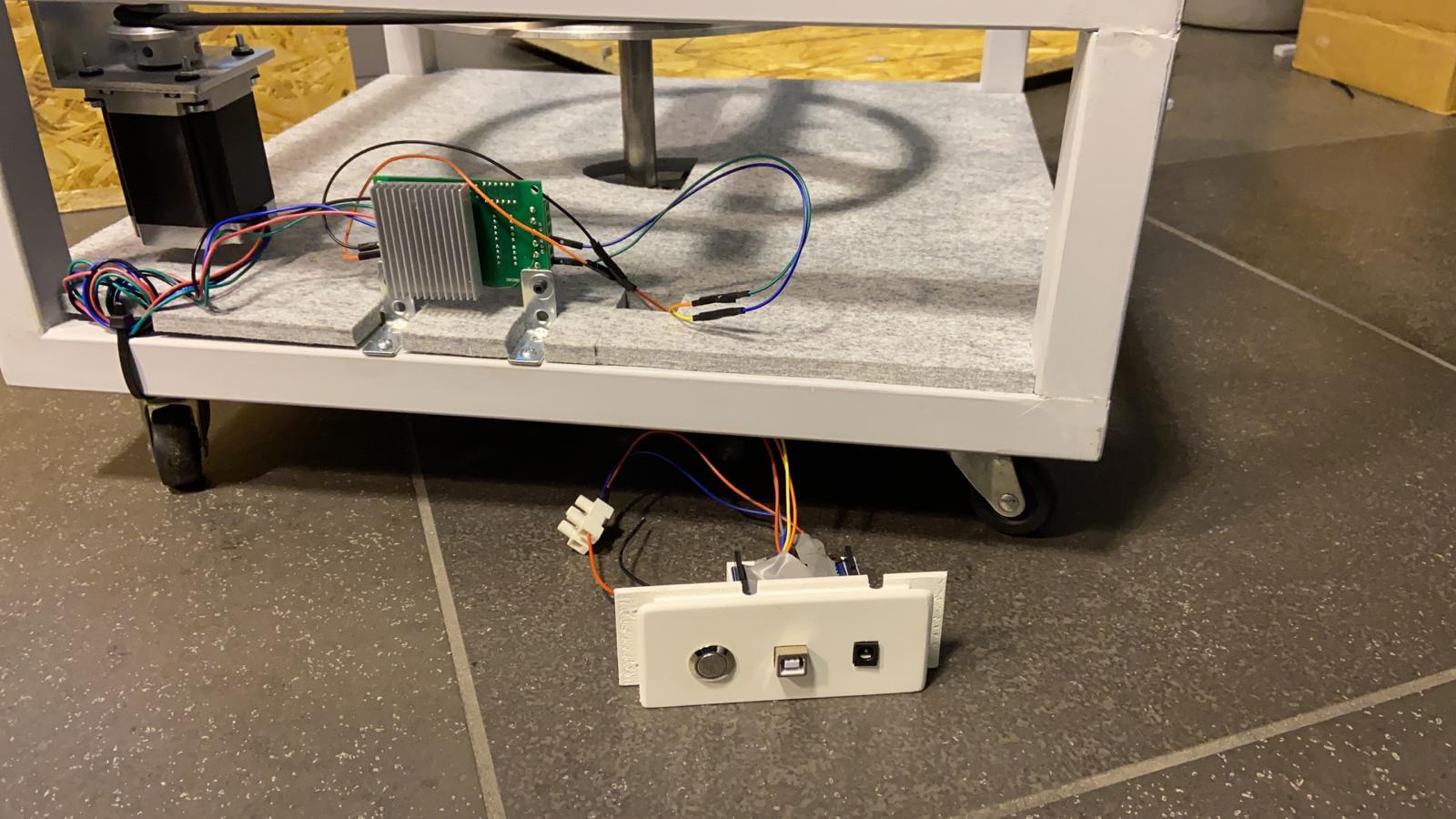
Several tests were performed on the final product to verify continuous rotation, long-term stability, and vibration level during use. The goal was not only to make the model rotate, but to make it rotate cleanly, slowly, and reliably.
This work allowed me to apply electronics, motor control, and prototyping skills to a real physical object with weight, space, and reliability constraints. It also helped me think more clearly about the relationship between software and mechanics: a small change in code, speed, or acceleration can significantly change the perceived behavior of the final product.