PS5 — Southbridge, UART and APU damage
Diagnosis of a PS5 with no signs of life after a voltage surge: southbridge replacement followed by the discovery of a RAM/APU channel fault.
In this job I analyzed a PS5 that showed no signs of life. The console did not beep, did not turn on the blue light, and gave no feedback when the power button was pressed.
The first check was the power supply, which was working correctly. At that point the issue had to be on the motherboard. The main rails were present, which was suspicious on a console that still showed no signs of life. For this reason I started focusing on the southbridge and the components connected to it.
Initial Diagnosis
When a PS5 is completely dead, the southbridge is one of the most important areas to check. If the chip is shorted or is not being powered correctly, the console may not even reach the point where it beeps or tries to turn on the blue light.
The photos below show the main points that, over time, I have often seen shorted when the southbridge is not working correctly. The Ethernet port is especially important to check, because it can become an entry point for electrical discharges coming from the network.
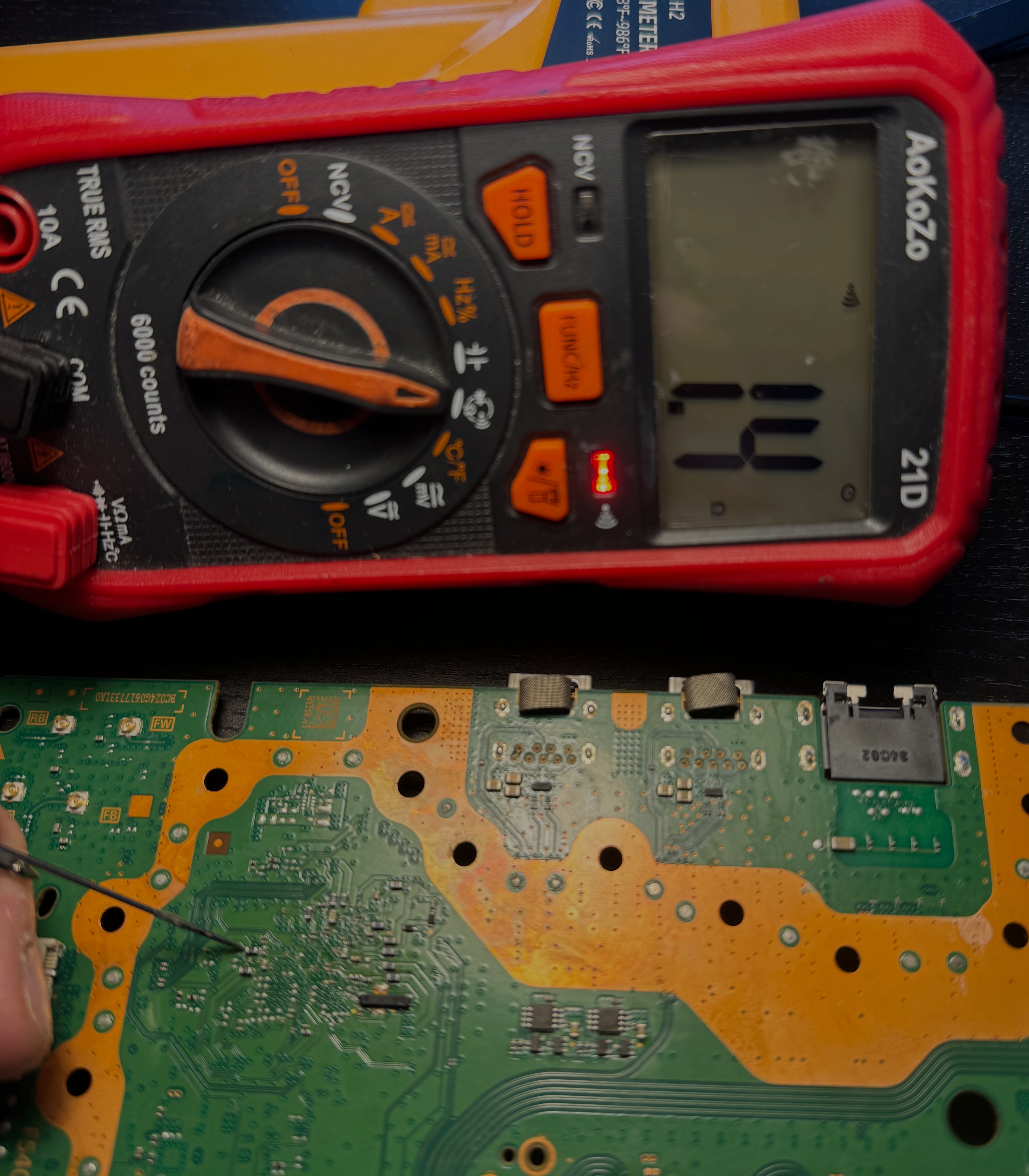
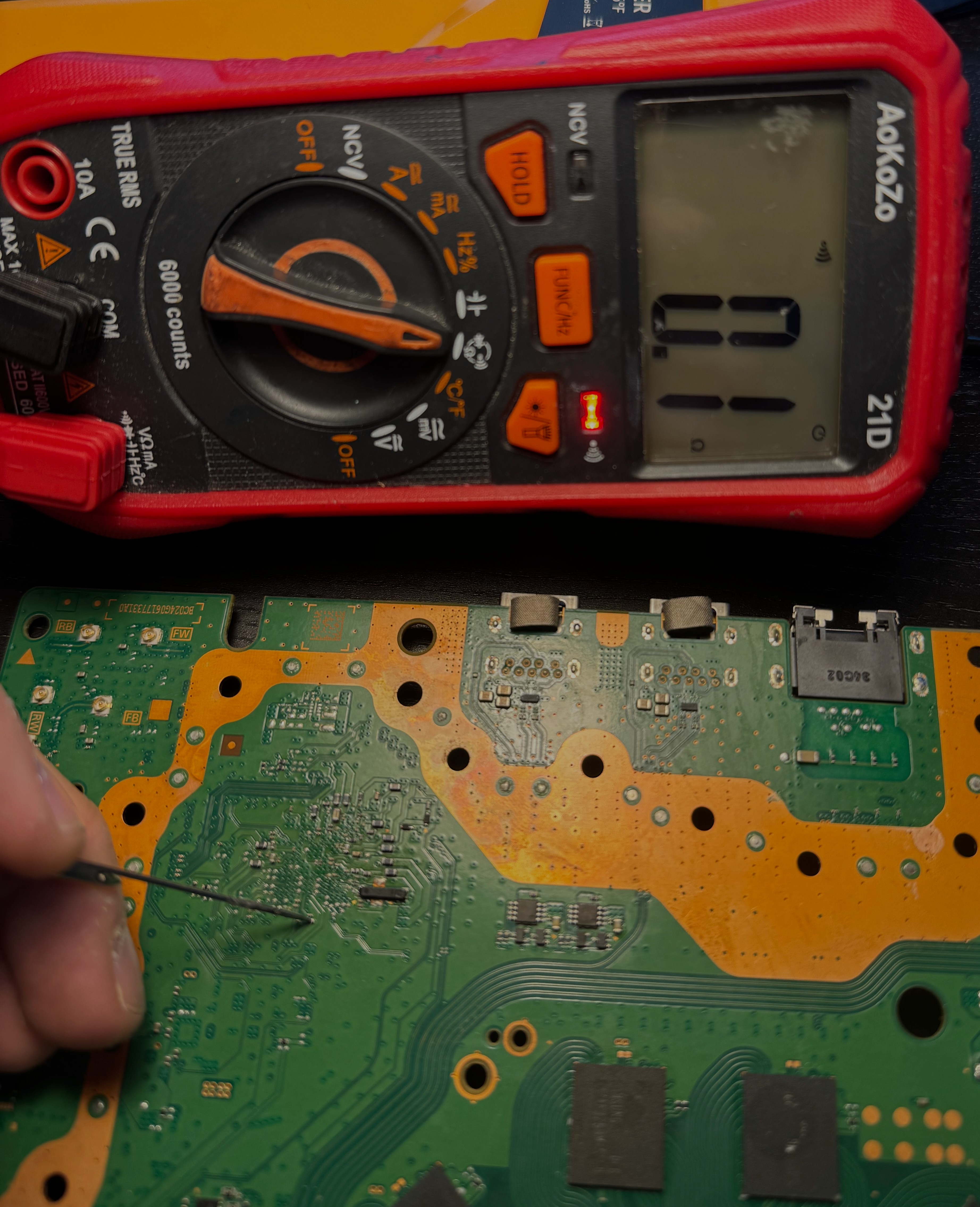
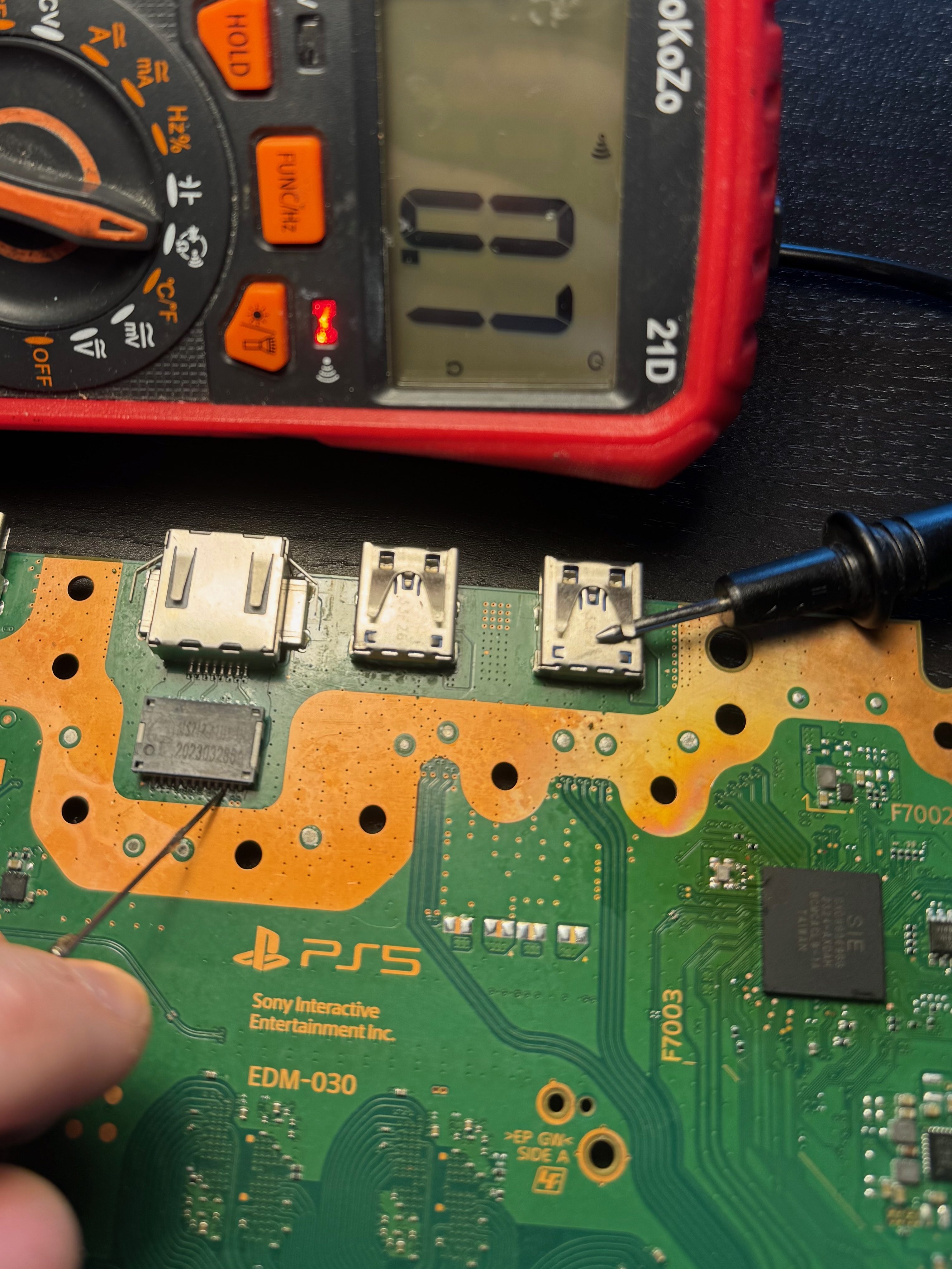
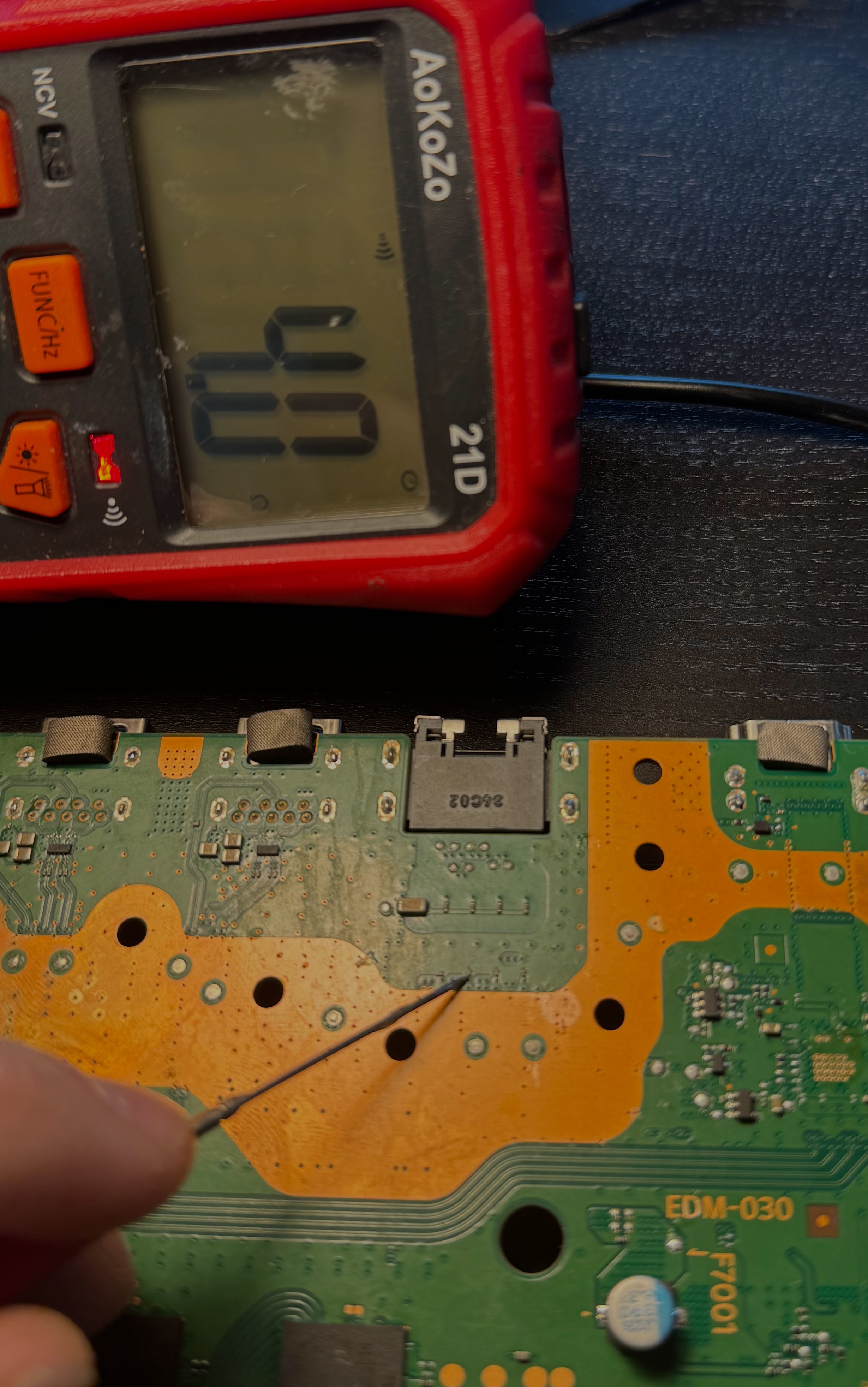
As shown by the measurements, several points were shorted, so the diagnosis pointed to a faulty southbridge. When this happens and the rest of the board does not have other major damage, replacing the southbridge can bring the console back to life. For this reason I decided to remove and replace it.
Southbridge Replacement
Removing the southbridge is a delicate BGA rework job. The chip does not have visible pins on the sides, but solder balls underneath it, so it requires preheating with a preheater, temperature control, and a lot of care to avoid damaging pads or traces.
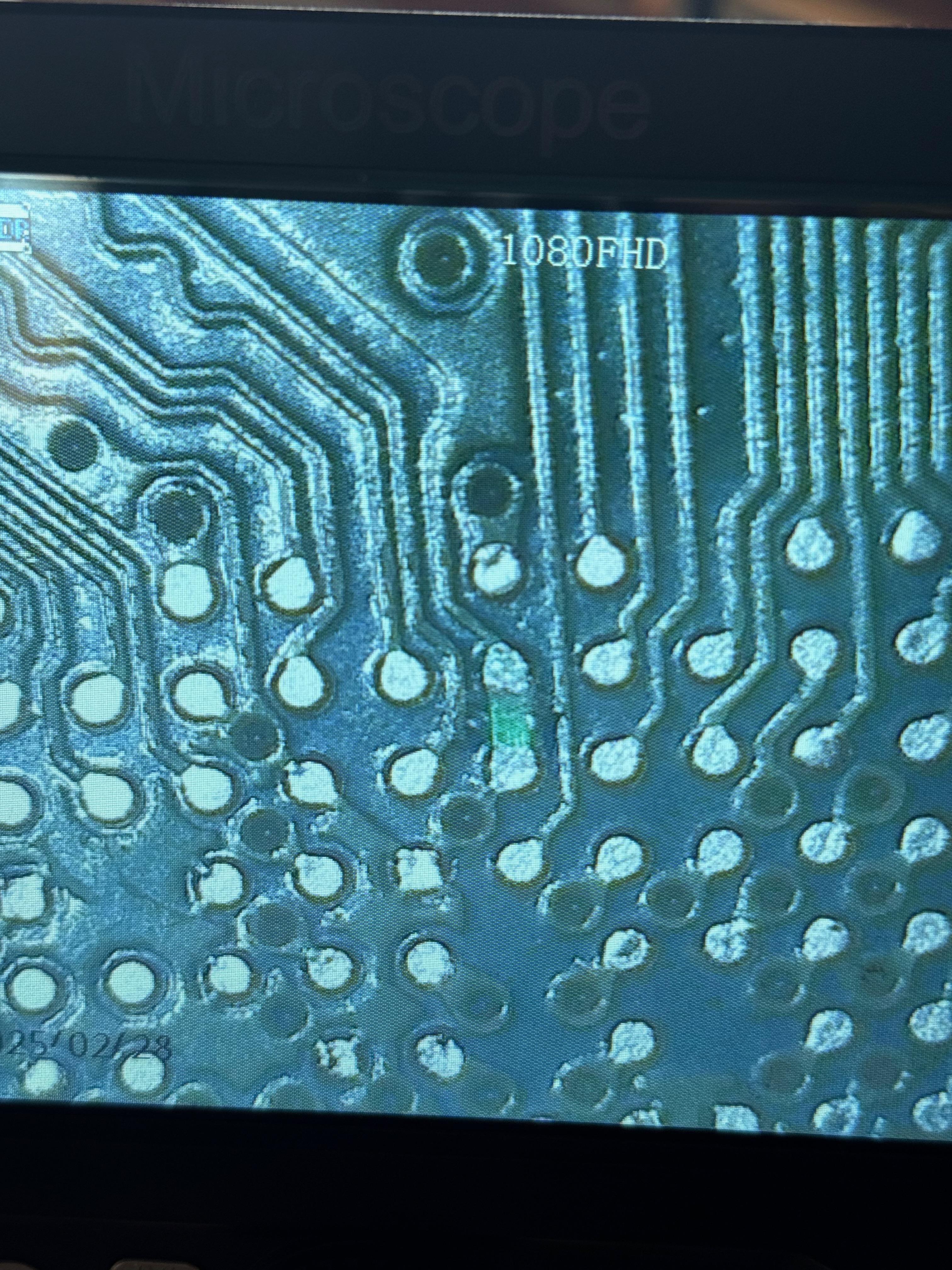
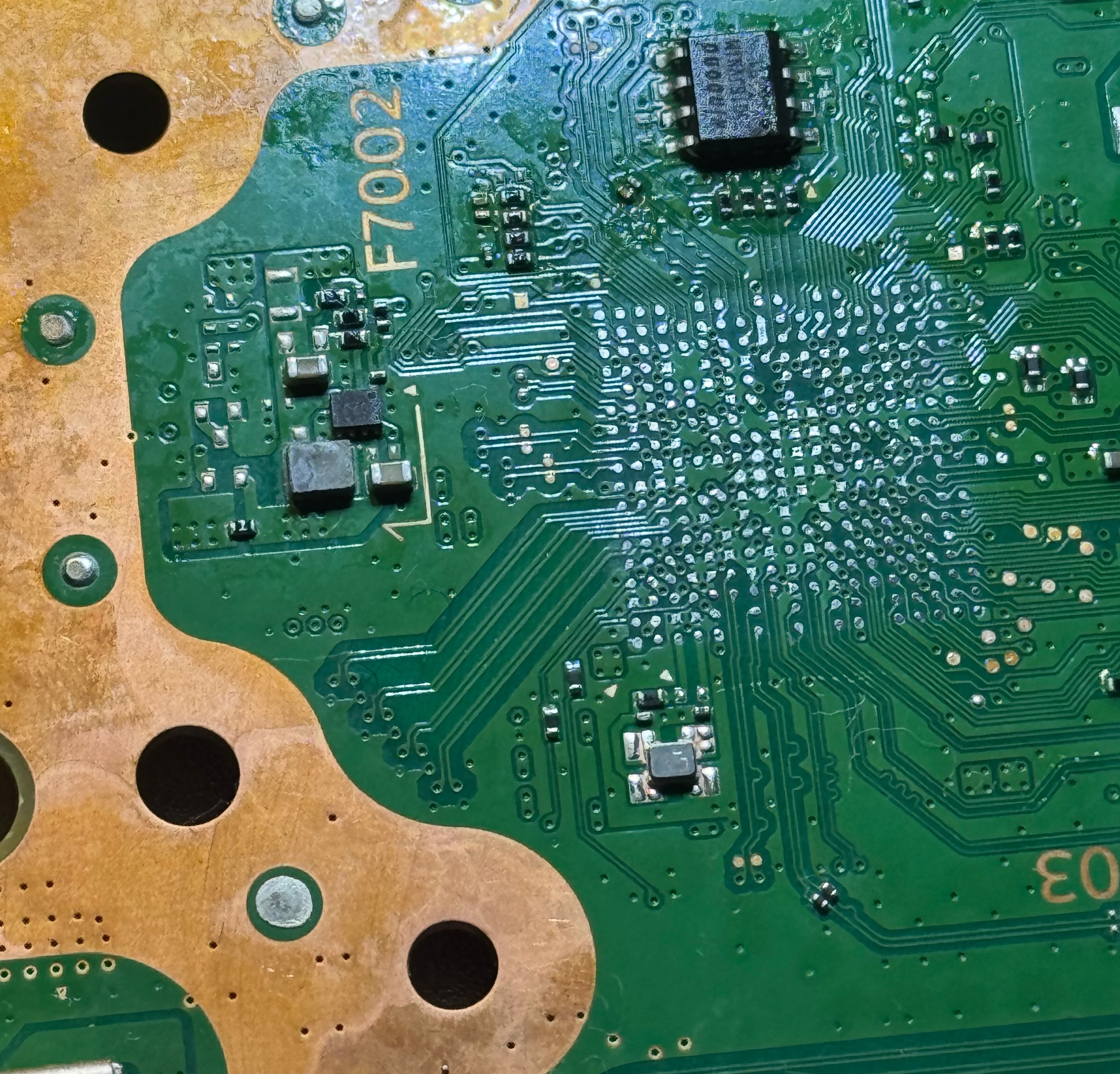
After removing the chip, I checked the area and prepared the pads for the replacement southbridge. During removal, the green solder mask between two pads came off. Those pads were already connected to each other, so it was not trace damage, but without protection the two BGA balls could have bridged during soldering and left a poor result. For this reason I masked that space again before installing the new southbridge.
In this kind of work, alignment is one of the most delicate parts. A very small offset can prevent some balls from making proper contact or can create a short with nearby balls. When the chip reaches the correct temperature, it slightly drops into place. At that moment, a small nudge helps the balls settle and confirms that the component is actually sitting on the pads.
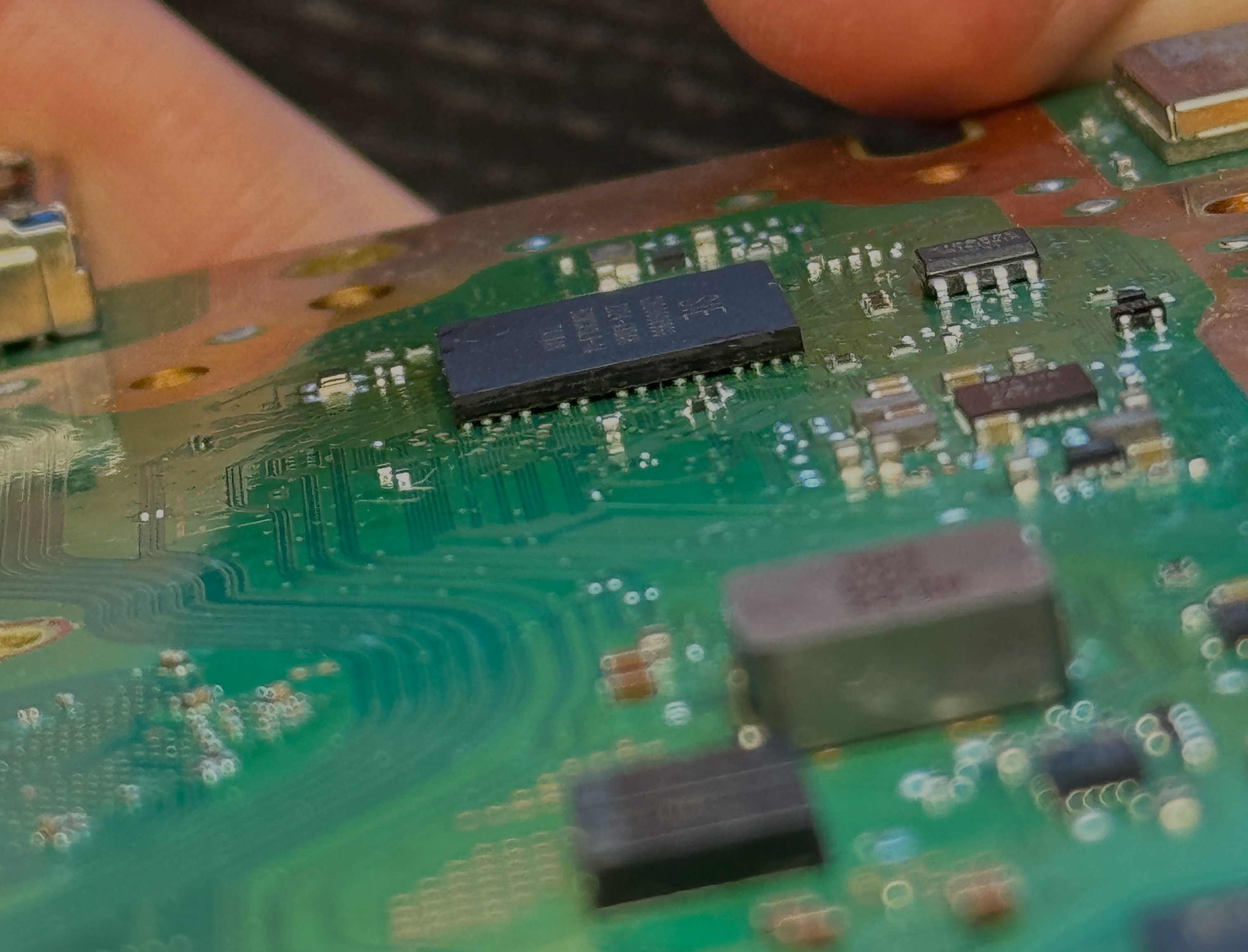
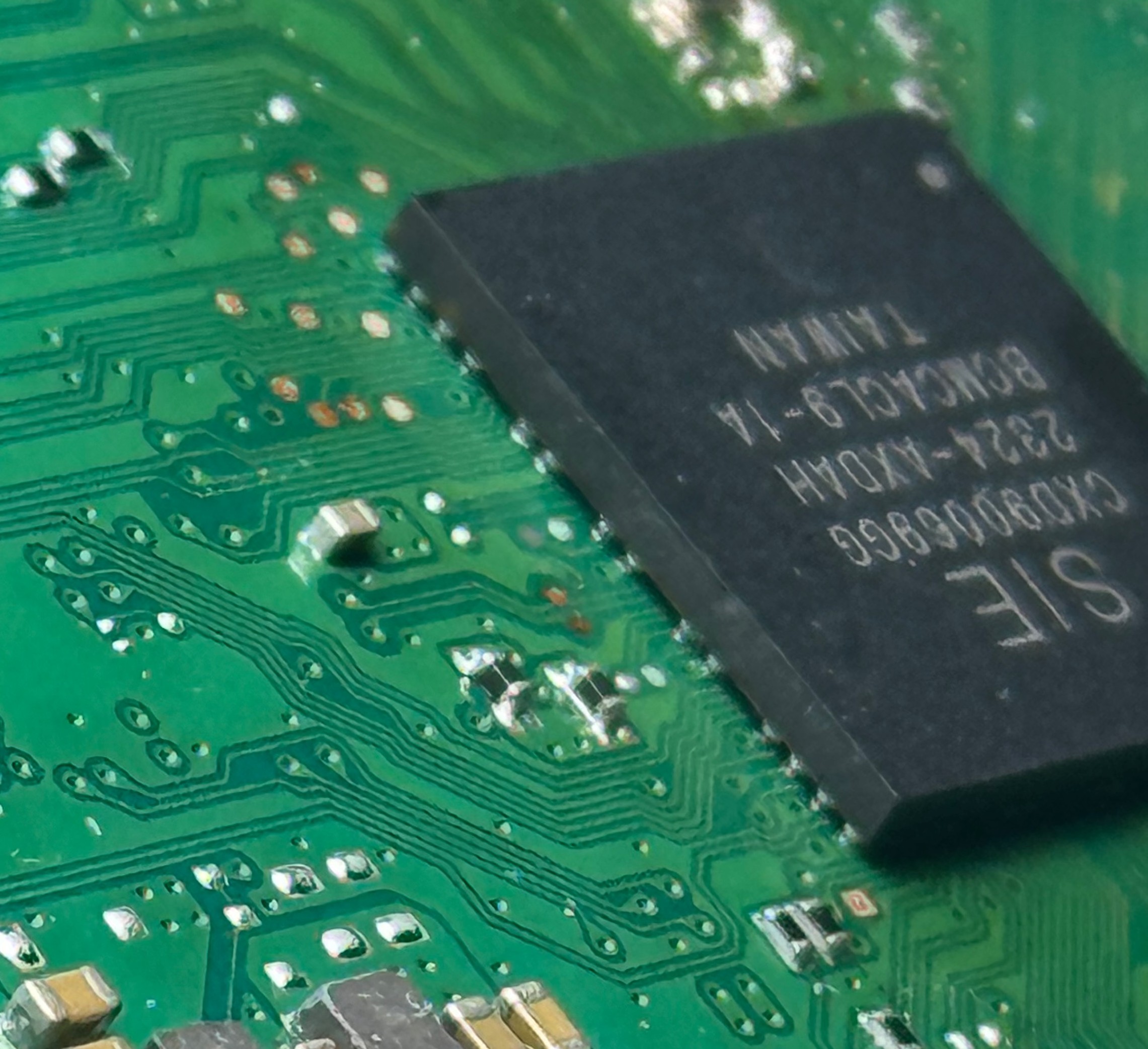
After replacing the southbridge, it is important to remove all flux residue and clean the area with isopropyl alcohol. The southbridge clock crystal is very sensitive, and its frequency can shift slightly if flux residue is left nearby.
After the southbridge replacement, the console partially came back to life. When pressing the power button, it beeped, the blue light turned on for a moment, and then the console shut down.
This meant that the original southbridge was actually faulty, but also that the problem was not over yet.
UART Reading and RAM Fault
At that point I connected the console through UART to read the boot errors. The log reported error code 80801112, associated with a GDDR6 RAM problem on banks 2,5.
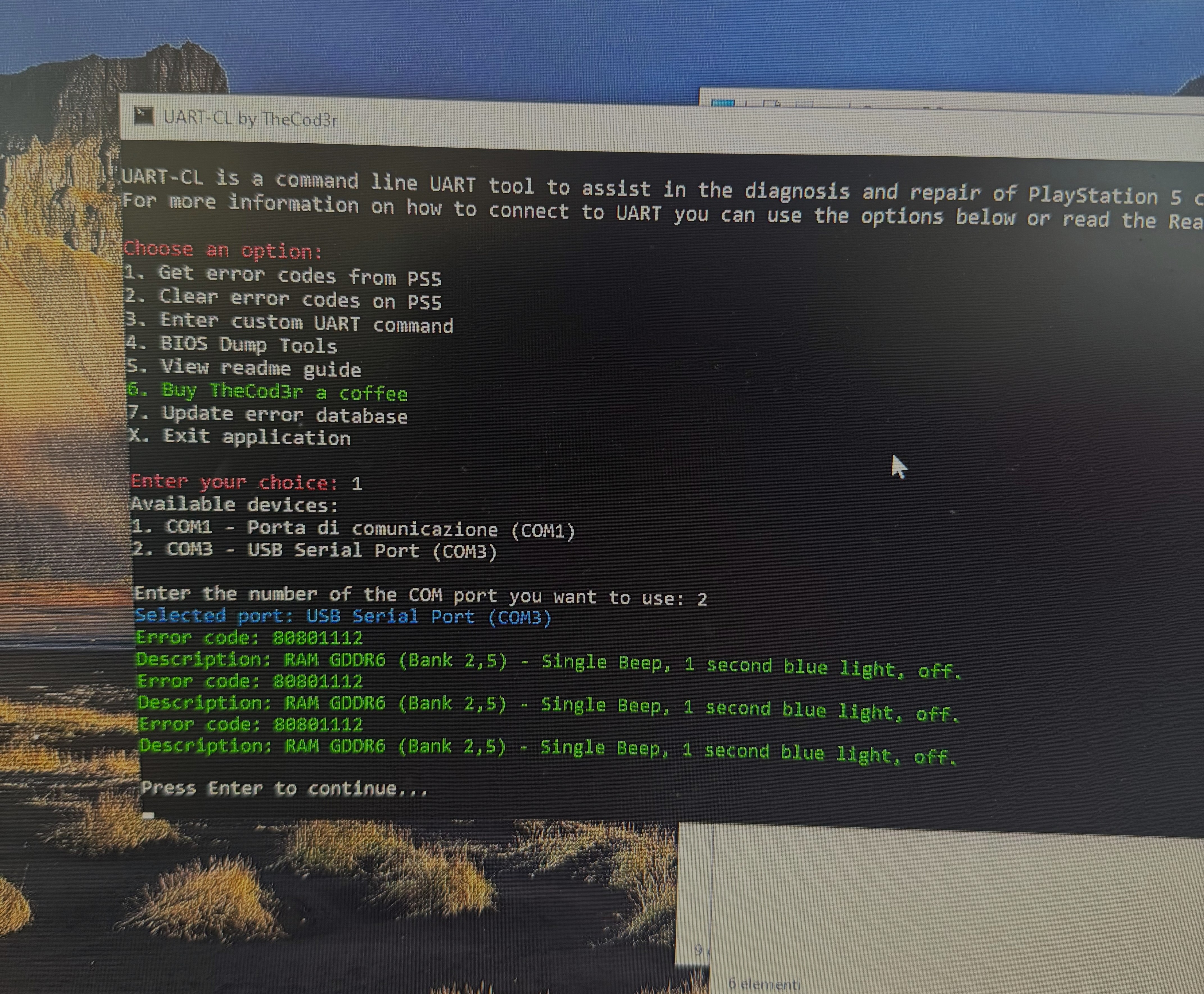
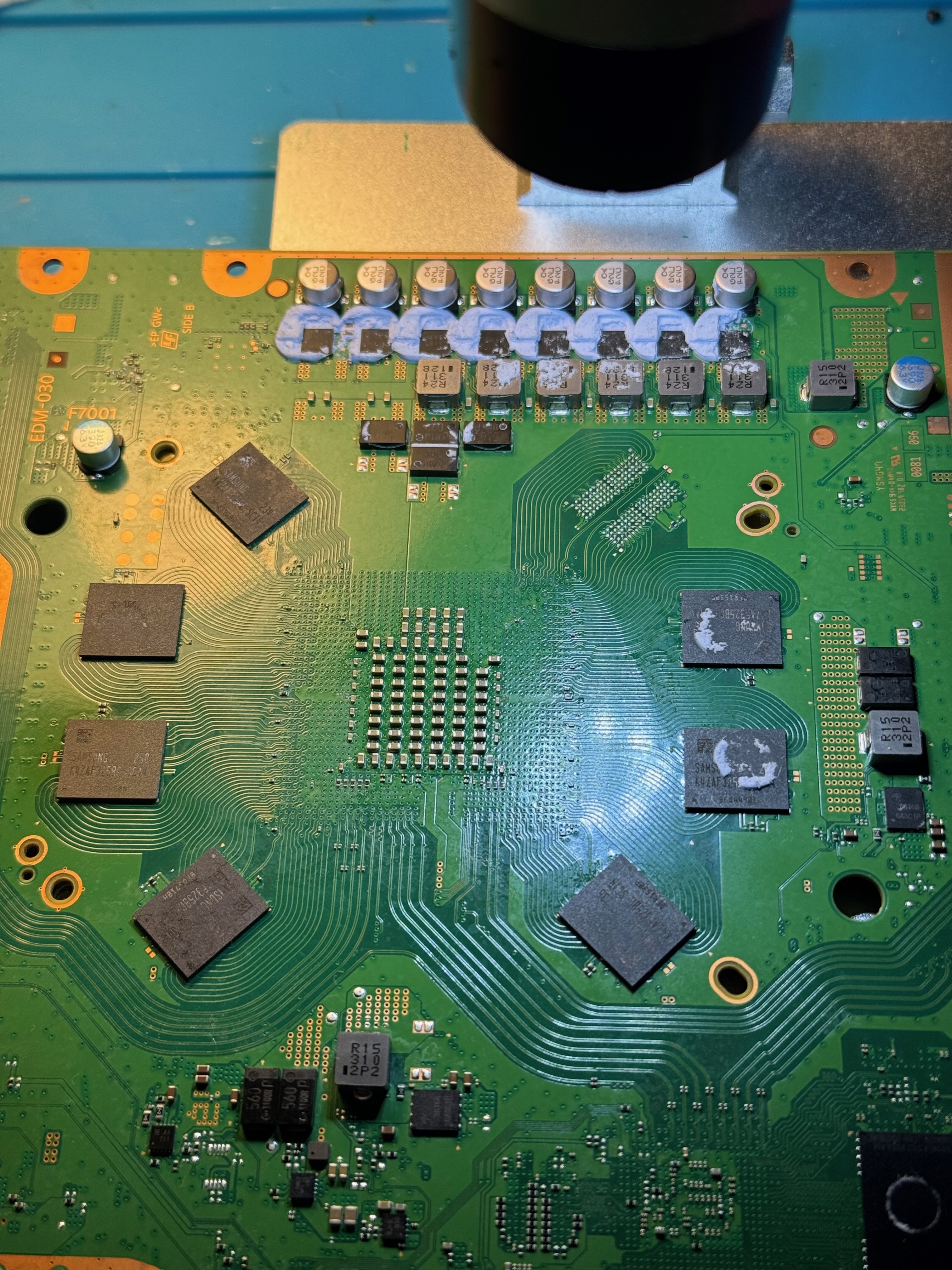
This kind of error does not automatically mean that only the RAM chip is faulty. It can be caused by the RAM module itself, or by the memory channel lines that connect directly to the APU. To narrow down the diagnosis, I removed one of the involved RAM modules and checked the pads and channel lines before replacing it, avoiding installing another chip without confirmation.
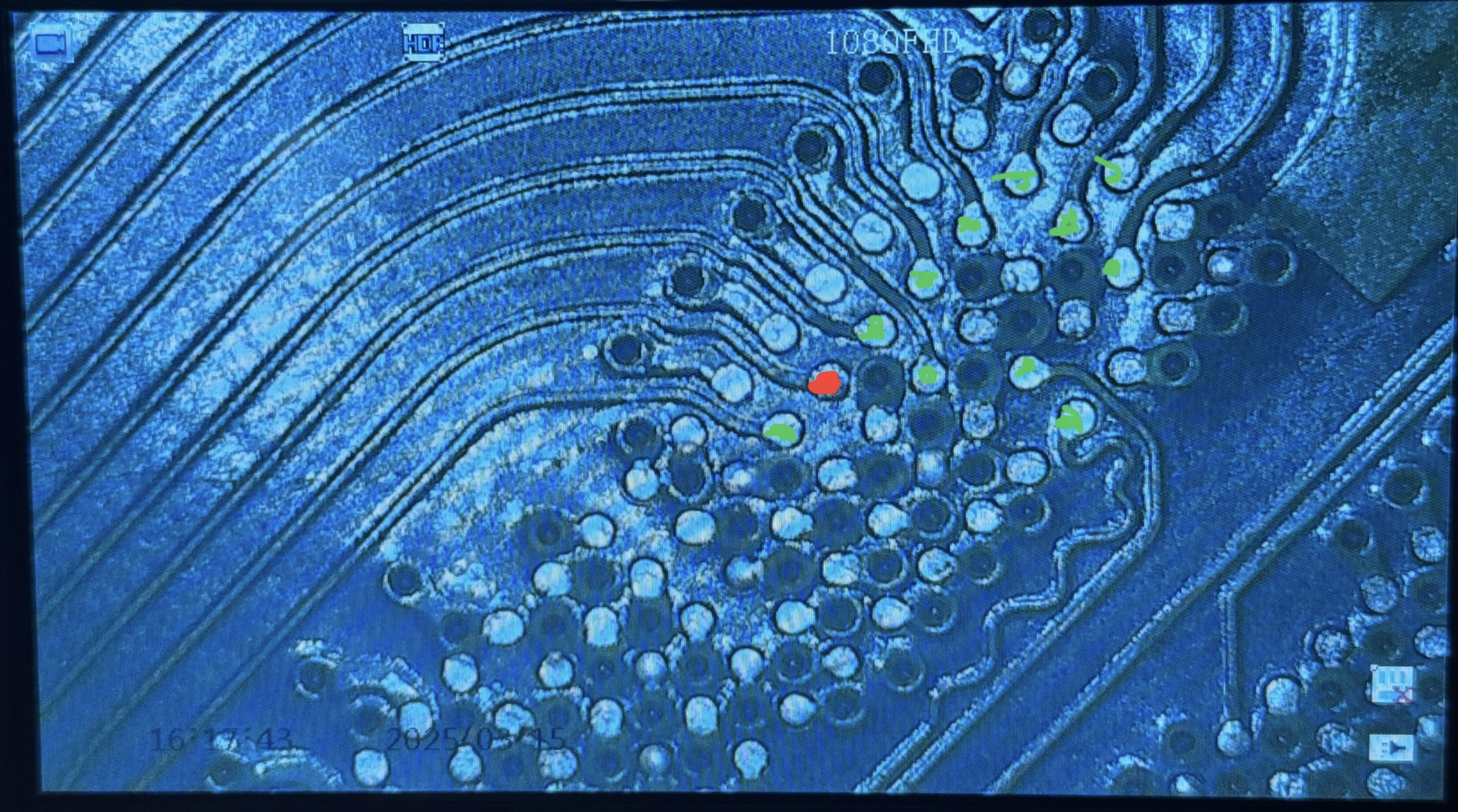
The photo shows the points I checked. The green points had normal values, while the red one was shorted. The short was still present on one line of a differential pair, indicating damage on the APU side.
Final Notes
Unfortunately, because the problem was related to the APU, repairing the console was not convenient. A repair like this would have required another working APU and the replacement of additional related components. Replacing the southbridge allowed the console to show signs of life again, but the later RAM error confirmed that the damage was more extensive.
Even though the repair was not successful, the job was useful from a diagnostic point of view and helped me improve my ability to work with BGA chips.